(Auszug aus der Pressemitteilung)
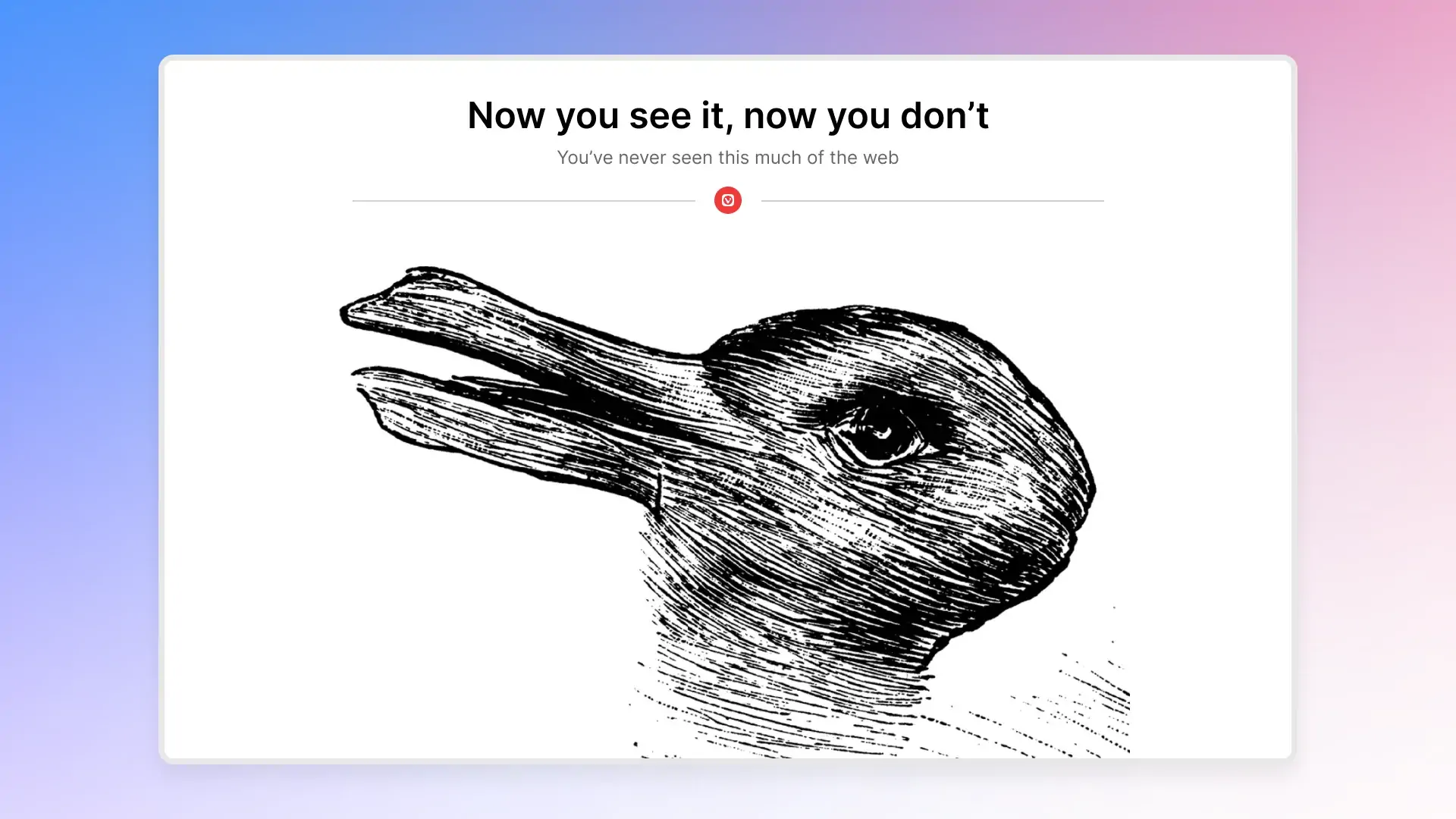
Today we’re releasing Vivaldi 7.9 for desktop, delivering three substantial additions to one of the web’s most feature-rich independent browsers. The headline feature, UI Auto-hide, lets the entire browser interface step back while you work and reappear the moment you need it. Alongside it: Follower Tab, a new way to follow links without losing your place, and an update to the mail composer for Vivaldi Mail users.
Immerse yourself in the web with every pixel
Every browser ships with a tab bar, an address bar, a status bar, and assorted toolbars. They are essential. They also take up space. Vivaldi 7.9 solves this with UI Auto-hide: enable it, and the entire interface steps aside while you read, watch, or work. Move your cursor to any edge of the screen and everything reappears instantly. Move away, and the content takes over again.
The feature is fully configurable. Users can choose to hide only the Tab Bar, only the Address Bar, or go all the way and clear the screen of every Vivaldi panel, toolbar, and status indicator at once. The result is a desktop browsing experience that feels genuinely different. Allowing you to immerse yourself in the web, with every pixel.
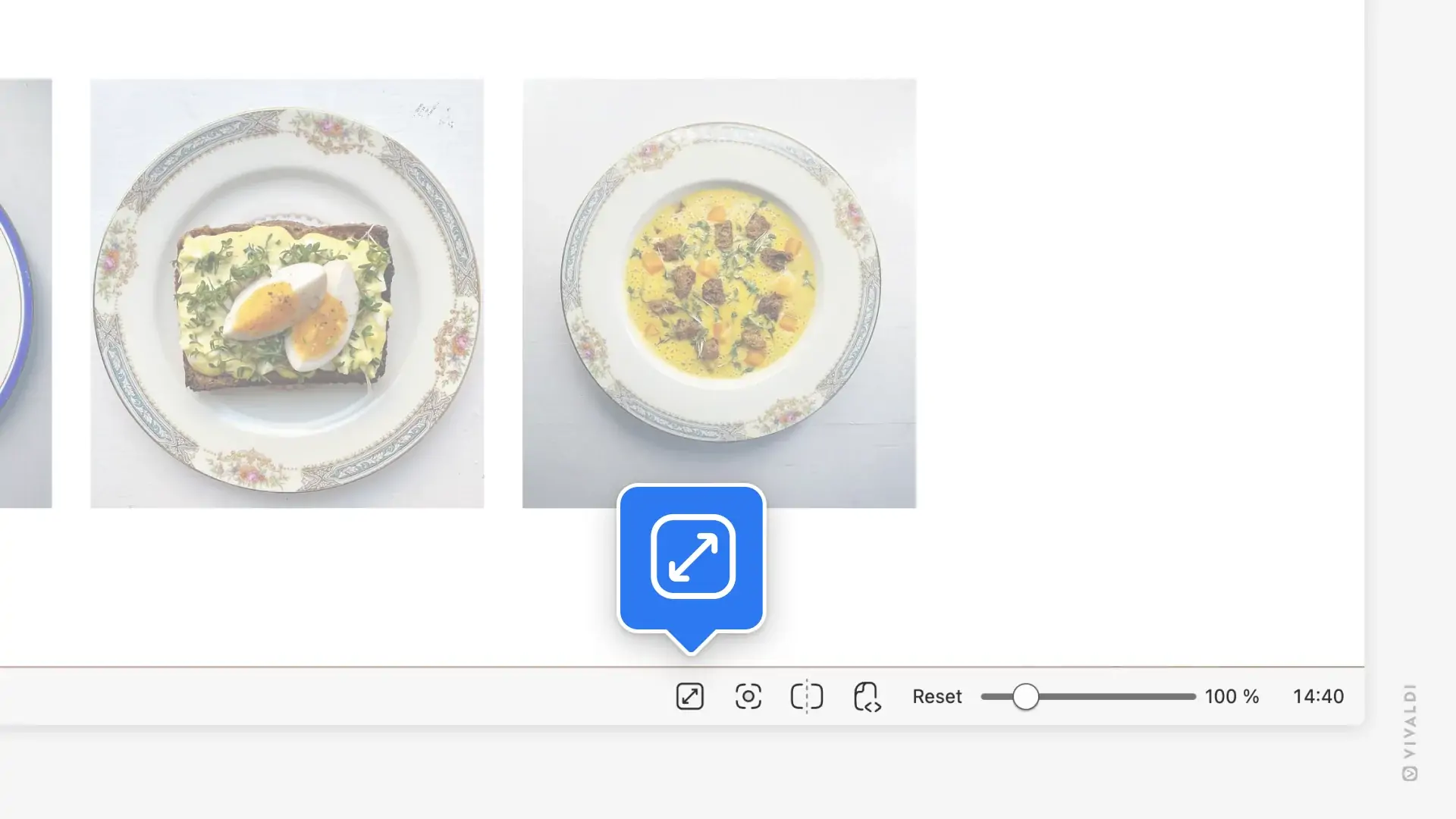
UI Auto-hide can be toggled with the keyboard shortcut or via the icon in Status Bar. All options are available under Settings > Appearance > UI Auto-hide.
„UI Auto-hide lets me immerse myself in content in ways the Metaverse could only dream of. Like most of the features we have launched, we are sure this will see knockoffs.“ Says Haakon Rølmann, Head of Marketing and Communication, Vivaldi Technologies
Follow your curiosity without losing the thread
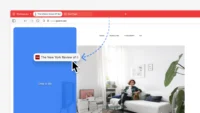
Follower Tab solves a problem many will recognise. You are deep in an article, a link catches your eye, you click it, and twenty minutes later you have eleven tabs open and no idea where you started.
Right-clicking any link now surfaces the option to Open link as Tiled Follower Tab. The linked page opens side by side with whatever you are currently reading. Any subsequent links you click in the original tab continue loading in the follower tab. Your original page never moves. It becomes an anchor: your reading list, your index, your source, always exactly where you left it.
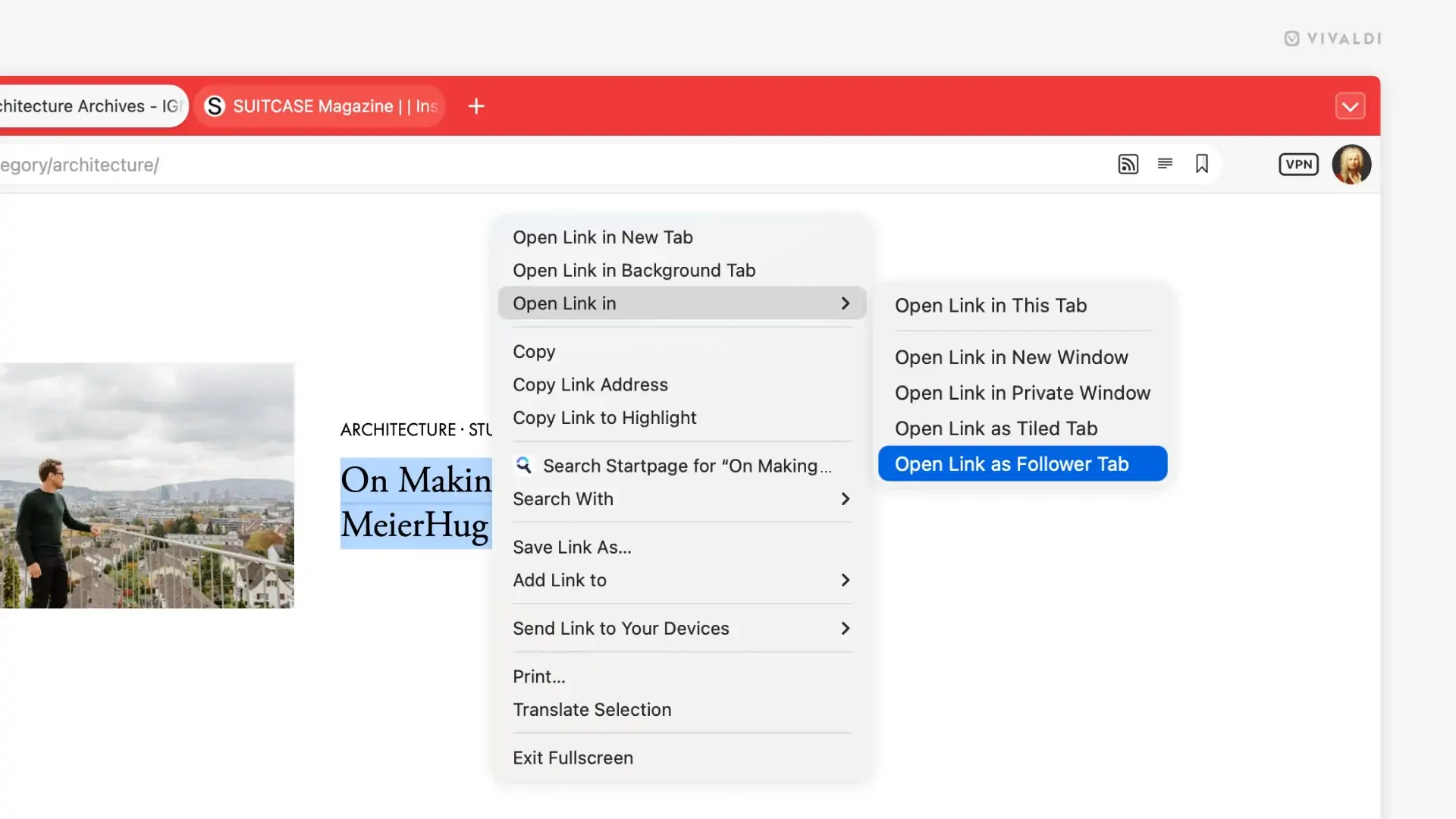
Follower Tab is also accessible via Mouse Gestures and Keyboard Shortcuts, so users who prefer not to reach for the context menu can assign a gesture or keystroke and open follower tabs without breaking their flow.
„The web is built on curiosity. Follower Tab is built on the same idea. You should be able to follow your curiosity without ever losing your thread.“ Says Jon von Tetzchner, CEO, Vivaldi Technologies
Vivaldi Mail gets an upgrade
Vivaldi 7.9 brings a set of meaningful improvements to Vivaldi Mail, the built-in email client included with the browser.
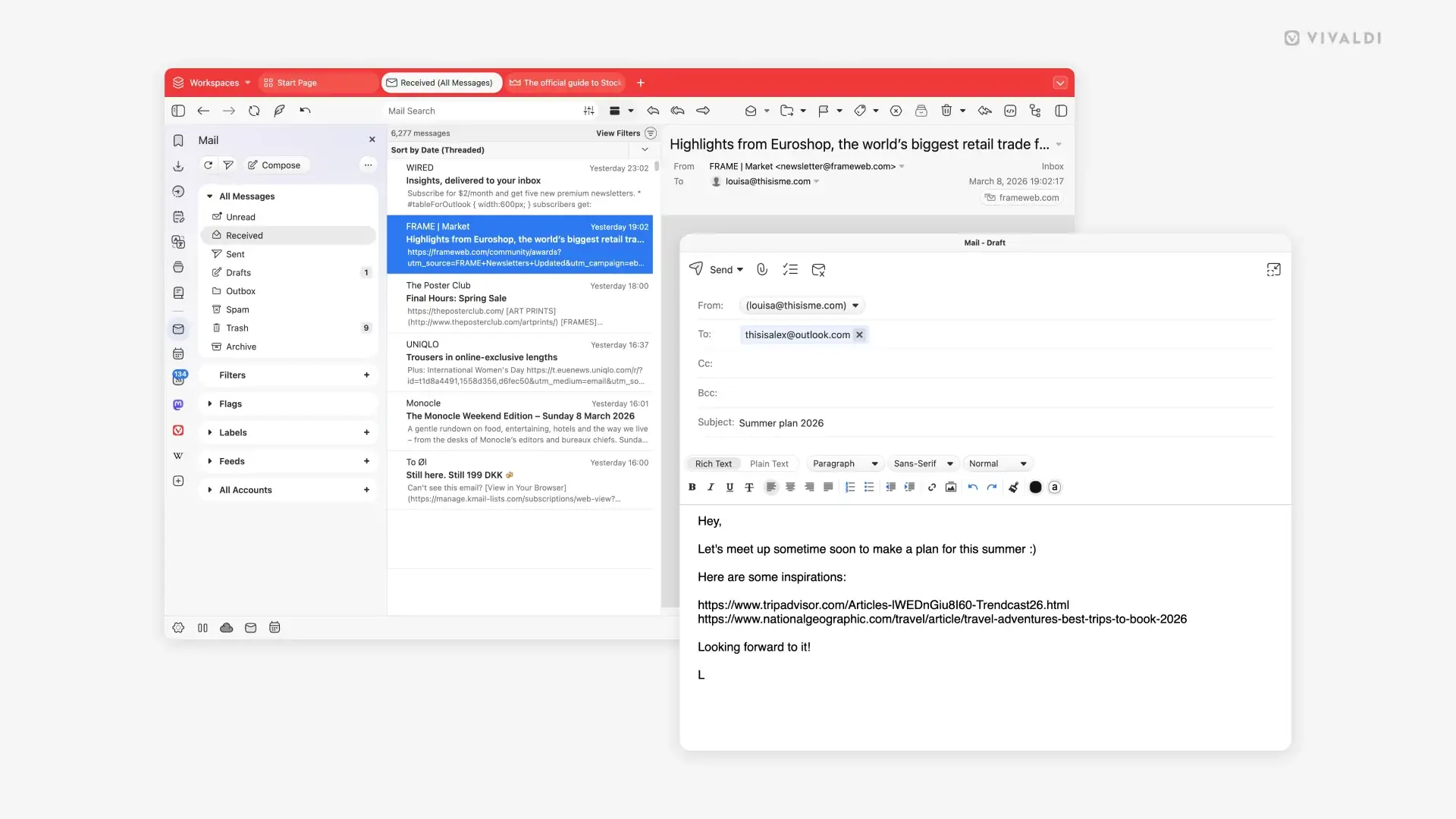
The mail composer can now be opened in its own independent window. Users can write alongside their inbox, move the window to a second monitor, or go fullscreen when drafting something substantial. Switching between rich text and plain text is now a single toggle within the composer. Memory usage in the mail list has been reduced, making the experience noticeably faster on large inboxes. Mailing list handling is now smarter, routing replies correctly without user intervention. Users can also save selected messages directly to disk for archiving outside the browser.
Availability
Vivaldi 7.9 is be available today for Windows, Mac, and Linux at vivaldi.com. The browser remains completely free, with no tracking, no data selling, and no Artificial Intelligence assistants forced between you and the web to limit your exploration.
For users tired of being treated like beta testers for Big Tech’s experiments, it’s an easy switch for a better life.

Neueste Kommentare
8. März 2026
6. März 2026
4. März 2026
3. März 2026
2. März 2026
2. März 2026